Root the Casio Commando After Gingerbread Update
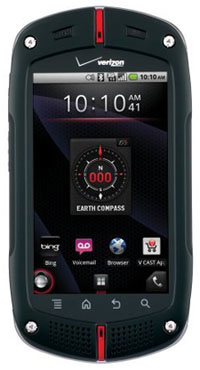
If you have a Casio Commando and have already updated to Android 2.3 Gingerbread then this is the way to root your device after the update. This root method does require you to have the Android SDK on your computer and if your using windows be sure to install the C771 USB drivers. Its really quite an easy process.
Root Instructions for the Casio Commando:
 Download and unzip su.zip (Download Link)
- Download and unzip zergRush.zip (Download Link)
- Download Superuser.apk (Download Link)
- Connect your Casio Commando to your PC via USB
- Open a command prompt on your PC
- Navigate to your Android SDK directory
- type “adb shell mkdir /data/local/tmp” press enter
- type “adb push [path to zergRush]\zergRush /data/local/tmp” press enter
- type “adb shell chmod 755 /data/local/tmp/zergRush” press enter
- type “adb shell/data/local/tmp/zergRush” press enter
- type “adb remount” press enter
- type “adb push [path to su]\su /system/bin” press enter
- type “adb push [path to su]\su /system/xbin” press enter
- type “adb shell chmod 4755 /system/bin/su” press enter
- type “adb shell chmod 4755 /system/xbin/su” press enter
- type “adb install [Path to Superuser.apk]\Superuser.apk” press enter
- type “adb reboot” press enter
- Congrats your Casio Commando is Rooted
